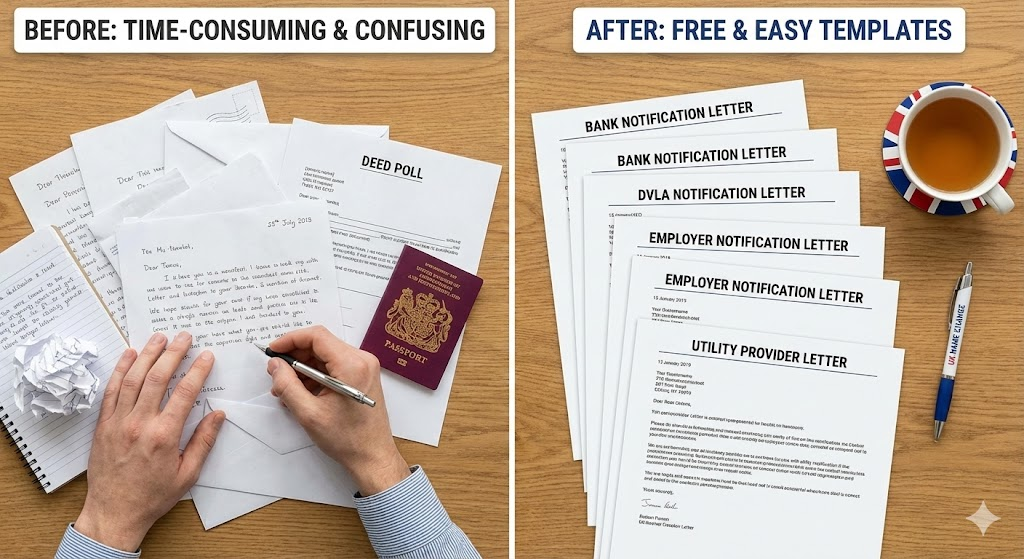
Changing your name is not a single task; it is a project. You aren't just notifying one person; you are coordinating updates with the Passport Office, the DVLA, your bank, your employer, your utility providers, and your streaming services.
Without a system, it is easy to lose track. Did you send the letter to the water company? Did the bank return your deed poll yet? Is your new passport application still pending?
To save you from "admin paralysis," we have compiled a list of the best tools and apps to keep your name change on track in 2026.
1. The UK Name Change Dashboard (The Dedicated Solution)
We built this because we know how confusing the process can be. When you choose our Complete Package, you don't just get a paper document; you get access to our bespoke digital Dashboard.
Unlike a generic to-do list, this tool is pre-loaded with the specific tasks a UK name changer needs to complete.
- Progress Tracker: See exactly what percentage of the process you have completed.
- Pre-written Templates: It automatically generates notification letters for banks and utilities using your details.
- Institution Database: It gives you the specific contact details and requirements for major UK organizations (e.g., "Does HSBC need a visit or a letter?").
Best for: People who want a "done-for-you" roadmap.
2. Trello (The Visual Organizer)
If you are a visual thinker, Trello is a fantastic free tool. It uses a "Kanban" board system (columns of cards). You can set up your name change board with three simple columns:
- To Do: List every company you need to contact (Bank, Gym, Netflix, etc.).
- Pending: Drag the card here once you have sent the letter/email. You can add a "Due Date" to remind you to chase them if they haven't replied in 2 weeks.
- Done: The satisfying part—drag them here once you have confirmation.
Best for: Visual learners who love dragging and dropping tasks.
3. Notion (The All-in-One Workspace)
Notion is a powerful note-taking app that allows you to build databases. You can create a "Name Change Hub" where you store:
- A checklist of tasks.
- Drafts of your emails.
- Scans of your documents (for quick reference).
There are many free "Life Admin" templates available in the Notion community that you can adapt for this purpose.
Best for: Tech-savvy users who want to customize every detail.
4. Adobe Scan / Apple Notes (The Digital Copier)
Before you post your original deed poll to the Passport Office, you must make a digital backup. If the post office loses your letter, you don't want to be left with zero evidence.
- iPhone Users: Open the Notes app, click the camera icon, and select "Scan Documents." It creates a perfect PDF.
- Android Users: Adobe Scan or Google Drive Scan are excellent free options.
Best for: creating digital backups of physical evidence.
5. 1Password / LastPass (The Login Updater)
Changing your name often means changing your email address. This creates a security headache: you need to update the login email for hundreds of accounts.
A password manager is essential here. It can list every site where you have an account. You can work through the list alphabetically, updating your name and email on each site, and saving the new credentials securely.
Best for: Updating your digital footprint securely.
Conclusion
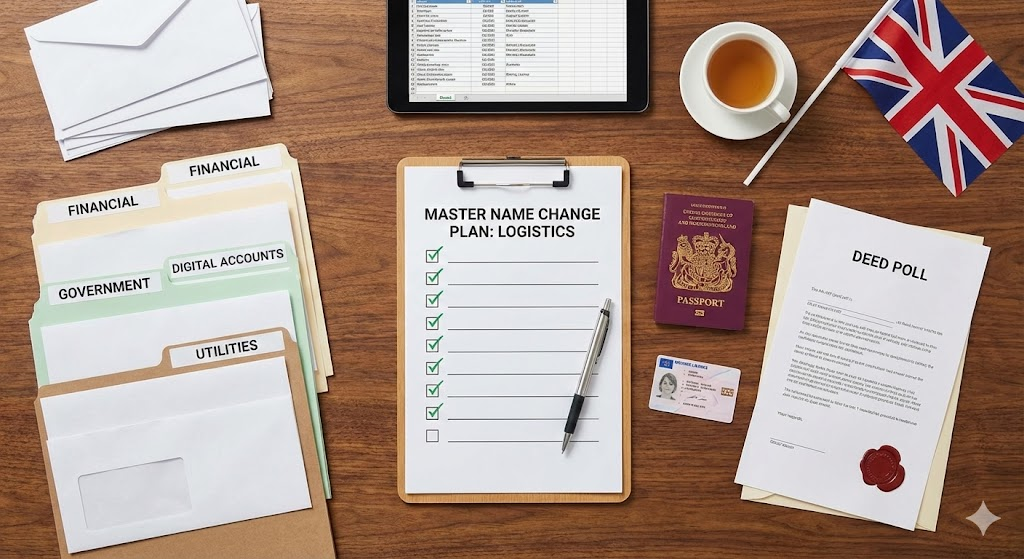
Whether you use a spreadsheet, a Kanban board, or our specialized Dashboard, the secret is to centralize your information. Do not rely on your memory—it will fail you when you are juggling passport applications and council tax bills simultaneously.
If you want the easiest route, our Complete Package includes our custom Dashboard, designed specifically to guide you through the UK legal system step-by-step.
![[Person struggling with online form due to name error]](/media/blog/images/1.jpg)