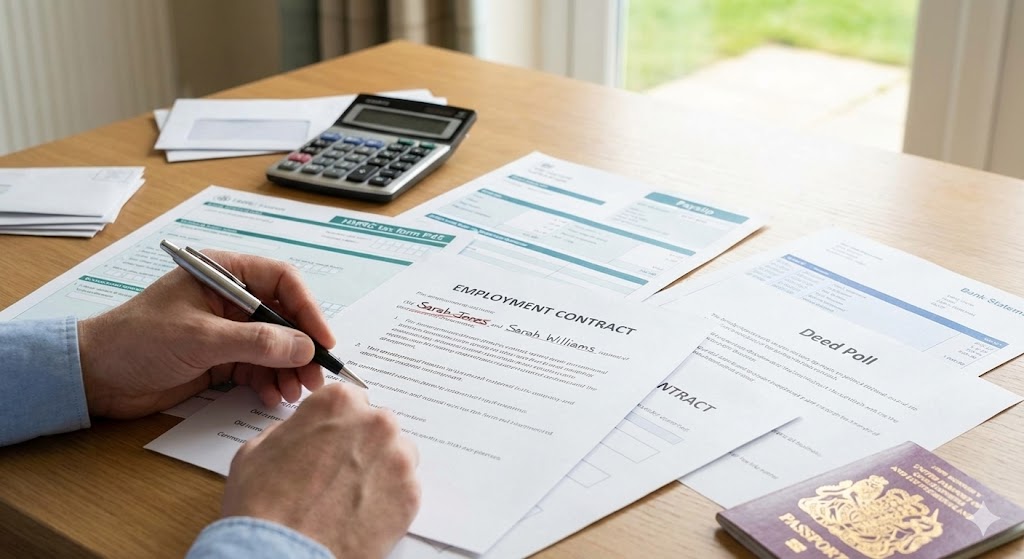
You have your Deed Poll. You have your new passport. But the name change process isn't truly finished until you have tackled the "admin trinity": Tax, Payroll, and Contracts.
While less exciting than getting a new ID card, this step is arguably the most critical. If your payroll name doesn't match your bank account name, you risk your salary bouncing on payday. If your tax records don't match your employment details, you could end up on an Emergency Tax code.
At UK Name Change, we want your transition to be seamless—especially when it comes to your income. Here is the correct order of operations for updating your professional financial life.
1. The "Bank First" Rule
Before you tell your boss or HMRC, you must update your Bank Account.
Modern banking systems use a security feature called Confirmation of Payee. When your employer tries to pay you, the banking system checks if the name on the payroll matches the name on the bank account. If your boss updates their payroll to "Phoenix Smith" but your bank is still "Phoenix Jones," the payment may be rejected.
The Fix: Take your Deed Poll and ID to your bank branch (or upload them via the app if supported) and get your account name changed first.
2. How to Update HMRC
Contrary to popular belief, your employer cannot change your name with HMRC for you. You must do this yourself.
- The Easiest Way: Log in to your Personal Tax Account on GOV.UK. There is a simple option to "update your details."
- The Phone Route: Call HMRC on 0300 200 3300. Have your National Insurance number ready.
Once you notify HMRC, they will automatically update your records for Income Tax and National Insurance. They will then send a new tax code notice to your employer (usually within a few weeks) reflecting your new name.
3. Notifying Your Employer (Payroll)
Once your bank is ready, take your Deed Poll to your HR or Payroll department. They need to see the original document to satisfy their legal obligations (Right to Work checks).
Why this matters: Your employer submits "Real Time Information" (RTI) to HMRC every time they pay you. If the name on the RTI submission doesn't match the name HMRC holds for your National Insurance number, it creates a "data mismatch." This is the most common cause of tax code errors after a name change.
4. Do I Need to Sign a New Contract?
We are often asked: "Does changing my name make my old employment contract invalid?"
No. You are the same legal entity, just with a new label. Your length of service, pension rights, and accrued holiday do not reset. The contract you signed 5 years ago is still legally binding.
Most employers will simply:
- Update their internal records.
- Attach a copy of your Deed Poll to your file.
- (Optional) Issue a simple letter or "addendum" confirming that "Employee formerly known as X is now known as Y."
You do not need to re-negotiate or re-sign your employment terms.
5. Advice for Sole Traders and Directors
If you work for yourself, the admin falls on you.
- Sole Traders: You must update your details for Self Assessment via your Government Gateway account. If you have business insurance, notify your provider immediately, or your policy could be void.
- Company Directors: You must notify Companies House using form CH01. It is a statutory requirement to keep the register of directors accurate.
6. The "Complete Package" Solution
Coordinating the timing between your bank, HMRC, and your employer can be tricky. If you do it in the wrong order, you might face a month of administrative headaches.
Our Complete Package (£39.99) includes a Digital Dashboard that lays out the optimal timeline. We provide the templates you need to send to HR and the direct links to the specific HMRC forms, ensuring you don't waste hours on hold.
HTML